4 Learn About Admin Roles and Permissions
After inviting members to join the enterprise workspace, it is time to set up some administrators to manage the enterprise together.
Only administrators can access the enterprise workspace in the Matrx Admin Portal backend, manage enterprise members, function usage permissions within the enterprise, view and manage bills within the enterprise, configure more enterprise settings, etc.
Administrators can be defined as different roles with different management permissions.
Description of the main administrator types
| Administrator Types | Permission Descriptions |
|---|---|
| Super Admin | - The default space creator is the Super Admin of the enterprise space, who has all management rights in the enterprise space. - The initial settings of other administrators are determined by the Super Admin. |
| Admins | - Has all management rights in the enterprise space, except that Super Admin cannot be managed. - Can add or remove other administrators - Can create and assign different administrator roles Tips: It is recommended that this type of administrator should not set too many |
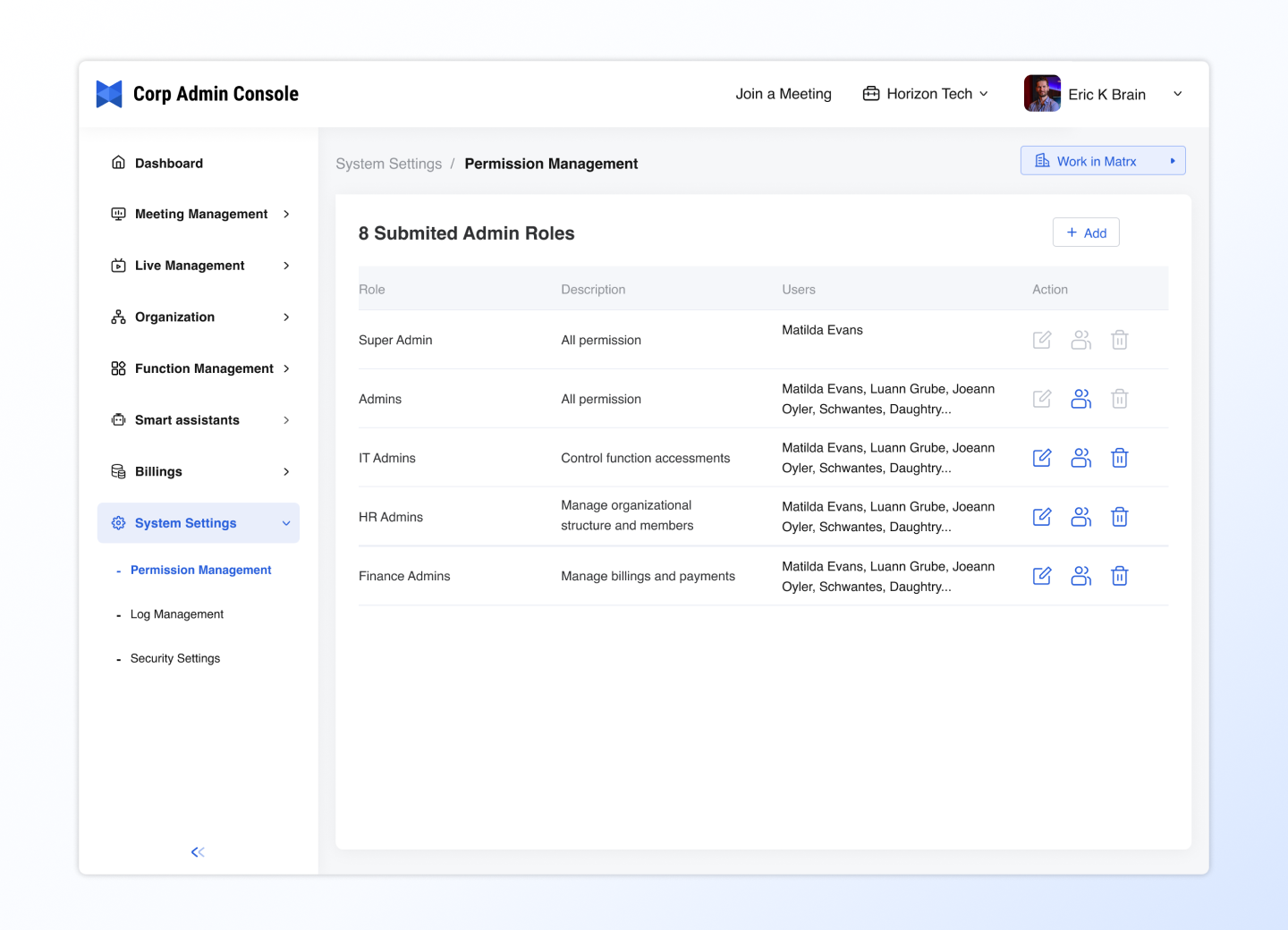
| Customized Admins | - Created and granted permissions by Super Admin and Admin - The role name and permission range of this type of administrator can be customized. It can be used to subdivide the permissions of different management roles, e.g. IT Admin, HR Admin, Financial Admin, etc. |
Setting up administrators
- Log in to Matrx Admin Portal,
- Go to System Settings - Permission Management, you can set up Amdins and Add custom administrator roles.